Prism Launcher Setup: Download, Instances and Java Fixes
10 listopada 2026 · 2 min czytania
Na tej stronie
Prism Launcher organizes Minecraft Java installations as separate instances. Start at the Prism project website for its downloads and platform instructions, then create an instance for the version or modpack you want to play.
Checked November 10, 2026 against Prism’s own documentation. Prism is a separate launcher project, not Mojang’s official launcher.
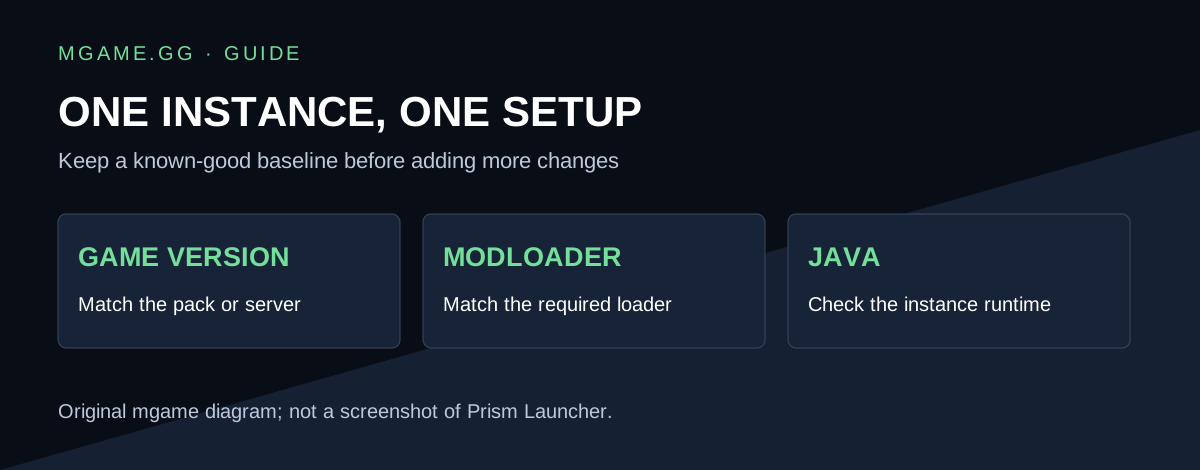
Original guide graphic by mgame.gg.
How to create your first instance
Prism’s instance guide gives two entry points: Add Instance in the top toolbar or Create instance from the empty-area context menu.
Choose a Minecraft version and, where needed, a modloader. Alternatively, select a mod platform from the sidebar to import an existing modpack. After creation, right-click the instance and choose Edit to inspect its settings.
Use a separate instance for each setup
A useful naming pattern is the pack or purpose followed by the game version. For example, “Vanilla test” and “Friends’ modpack” communicate more than two identically named installations.
Keep the first successful setup as your baseline. When diagnosing a failure, change one variable at a time so you can tell which change helped. Do not copy a large mods folder into an instance before checking that the base game launches.
Why does Prism ask about Java?
Prism’s Java guide explains that automatic Java detection and Mojang runtime downloads are available in Prism 9.0+ on supported packages. The relevant options are under Settings → Java. Some packages require manual runtime installation.
Check the instance’s actual runtime settings if launching fails. More allocated memory will not solve every incompatible-runtime error, and the runtime suitable for a modern pack may not match an older installation.
Before importing a modpack
Read the pack’s required game version, loader and server instructions. Do not assume that a mod built for one loader works with another. Match the pack’s stated loader before adding extra mods.
For an older vanilla client, see the Minecraft 1.8.8 installation guide. For a build that already launches but runs poorly, record its game version, loader and runtime before changing the instance again.